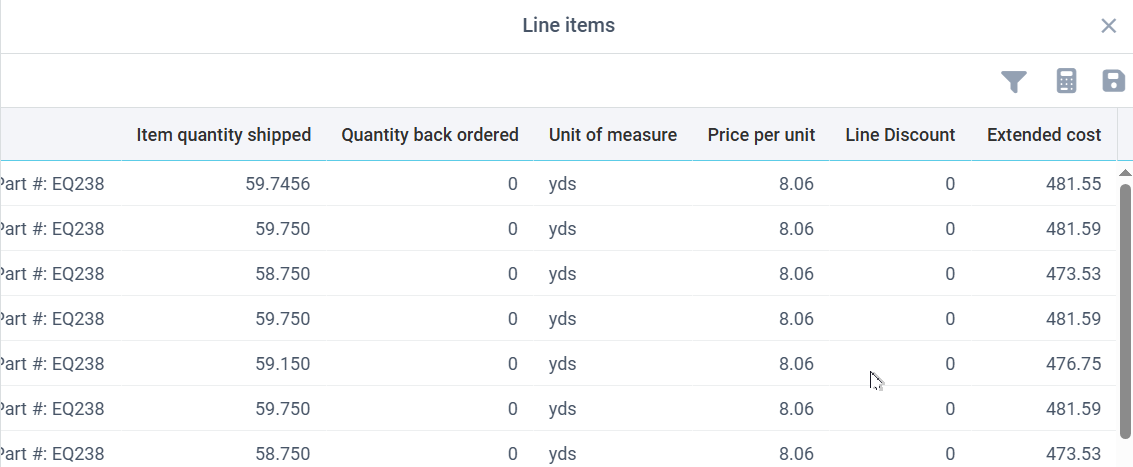
If the IDP definition contains a table with columns of data, the document editor will present a button that can be clicked to edit the data in the columns. This is very useful when capturing line item detail in order to build transactions in an ERP application.
The toolbar offers these options:
•Filter - opens column filters in each column to limit the rows to match the filter entries
•Calculator - presents totals at the top of each numeric column
•Save - if you edited any data in the table, this updates the table data in memory and closes this window. You should then save the document in order to run validation logic again.