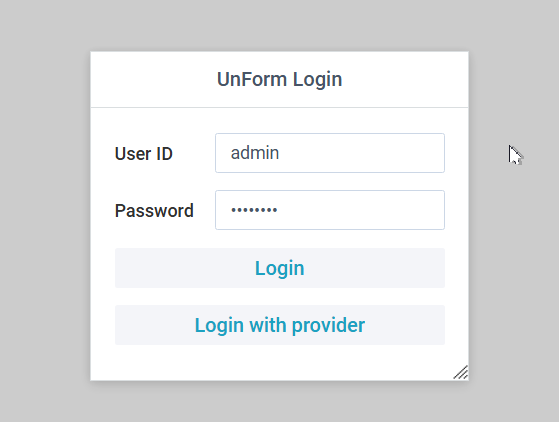
When first accessing the UnForm browser interface, a login is presented. The login form requests login and password in order to authenticate a user before allowing access to the browser interface.
If configured, users can also gain access via an Open ID Connect (OIDC) provider, such as Microsoft Entra or Okta. If authenticated that way, the user's emai address is their UnForm user ID.
For passworded logins, a second prompt may be configured for some users, where a temporary code is emailed to their email of record and that code must be entered in the second prompt.
Note that a password is unknown for a user a system administrator can recover a user's password via the server command line, or an admin user can login and edit the user's password via the Admin/Users screen.