Groups are designed to simplify library permission management, by allowing a group of users the same access rights. As groups are defined, users can be given membership in those groups, and the group's access table is used as a default for those users.
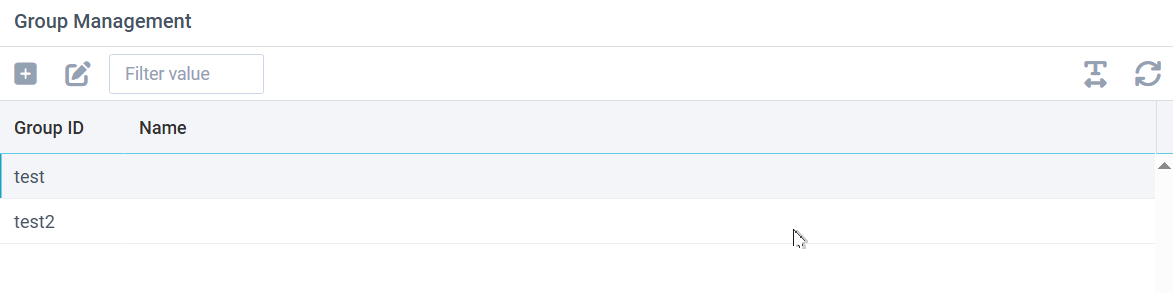
To add a new group, click the plus icon. To edit a group, double-click the group or select a row and click the edit/pencil icon.
Editing a Group
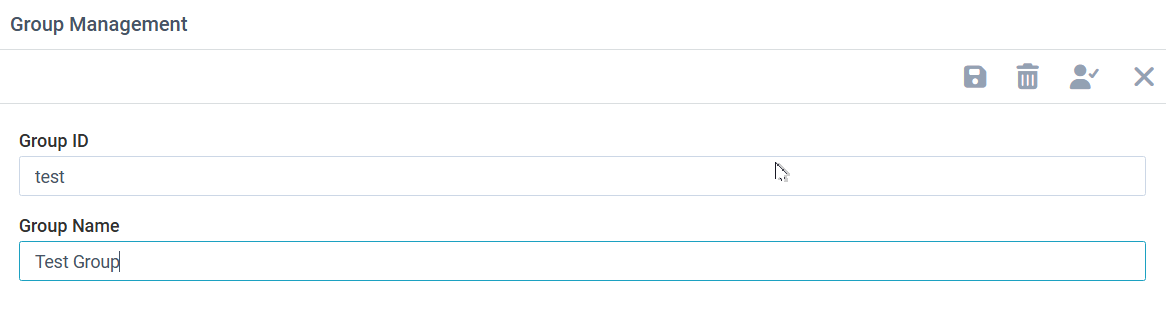
Groups have simple data requirements: just an ID and a name. In addition, you should define library access that this group has to archive libraries. Click the checked-user button to access the library access table.
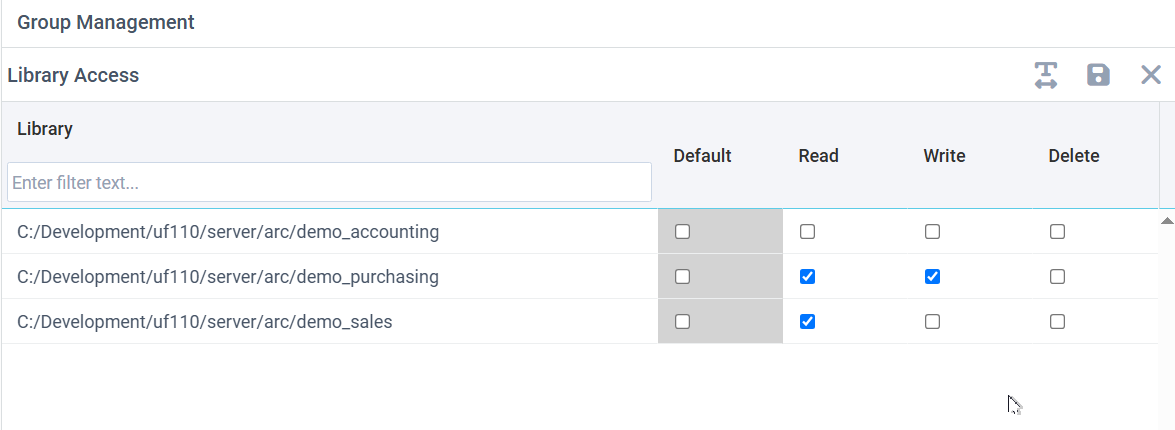
Library Access
From the group edit screen, use the checked-user icon to define explicit access to libraries for this group. To define specific library access, uncheck the Default column and then check the read, write, or delete options the group should have. Be sure to press the Save button to save work.