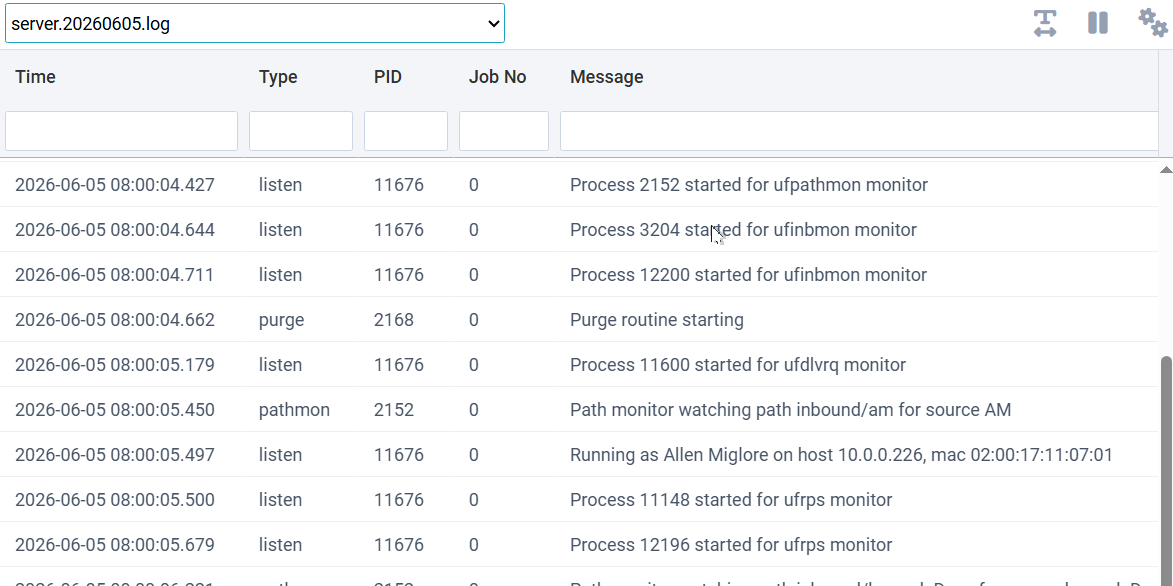
This window provides a viewer for monitoring and reviewing server log files. Log files are daily tab-separated files that are written automatically by the server, plus jobs can write lines to the server log as they run. The viewer operates in two modes: monitor and load file. Click the gear button to switch modes.
Monitor Mode
The monitor mode is the default, and it displays the last 500 lines of the log continuously. There is a pause button to stop the monitoring to allow static viewing of a set of lines.
Load File Mode
This mode loads the whole log file and offers different toolbar buttons. You can filter, download, and reload the file via these buttons.